

Set up MediCall
A few minutes, then your clinic line rings wherever you are.
-
Install the app
Get MediCall for your phone or computer.
-
Add your line
Open Accounts, add a new one, and enter the details your phone-system admin gave you.
- Account name
- A label for you. Optional.
- Username
- From your phone system.
- Password
- From your phone system.
- Account ID
- Also from your phone system.
-
Allow a few permissions
Your device will ask. Each one has a job.
- Microphone Carries your voice on a call.
- Notifications Rings you and shows the ongoing call.
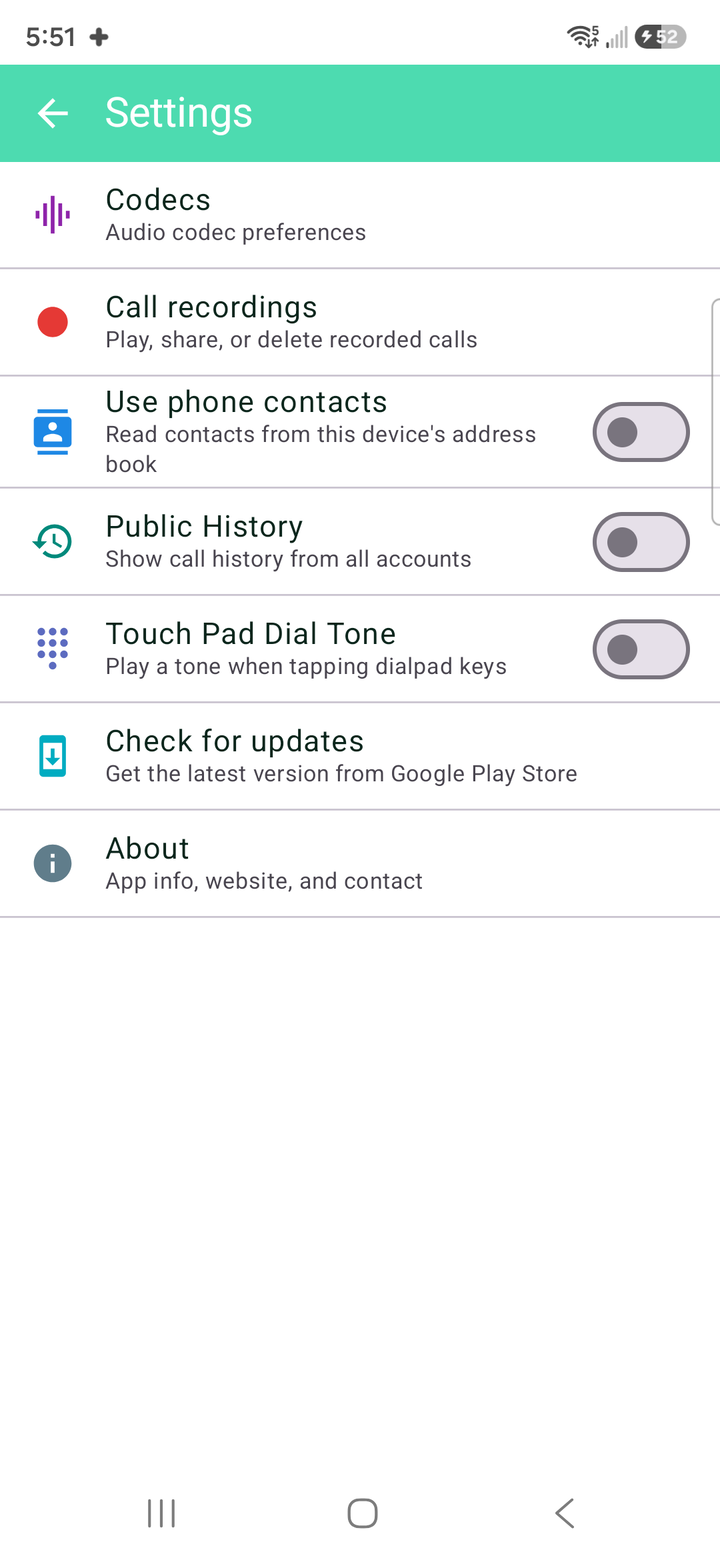
- Contacts (optional) Shows a name with an incoming number. Never uploaded.
Android phones also ask to keep MediCall running in the background so calls ring with the screen off. Say yes to that too.
-
Make a test call
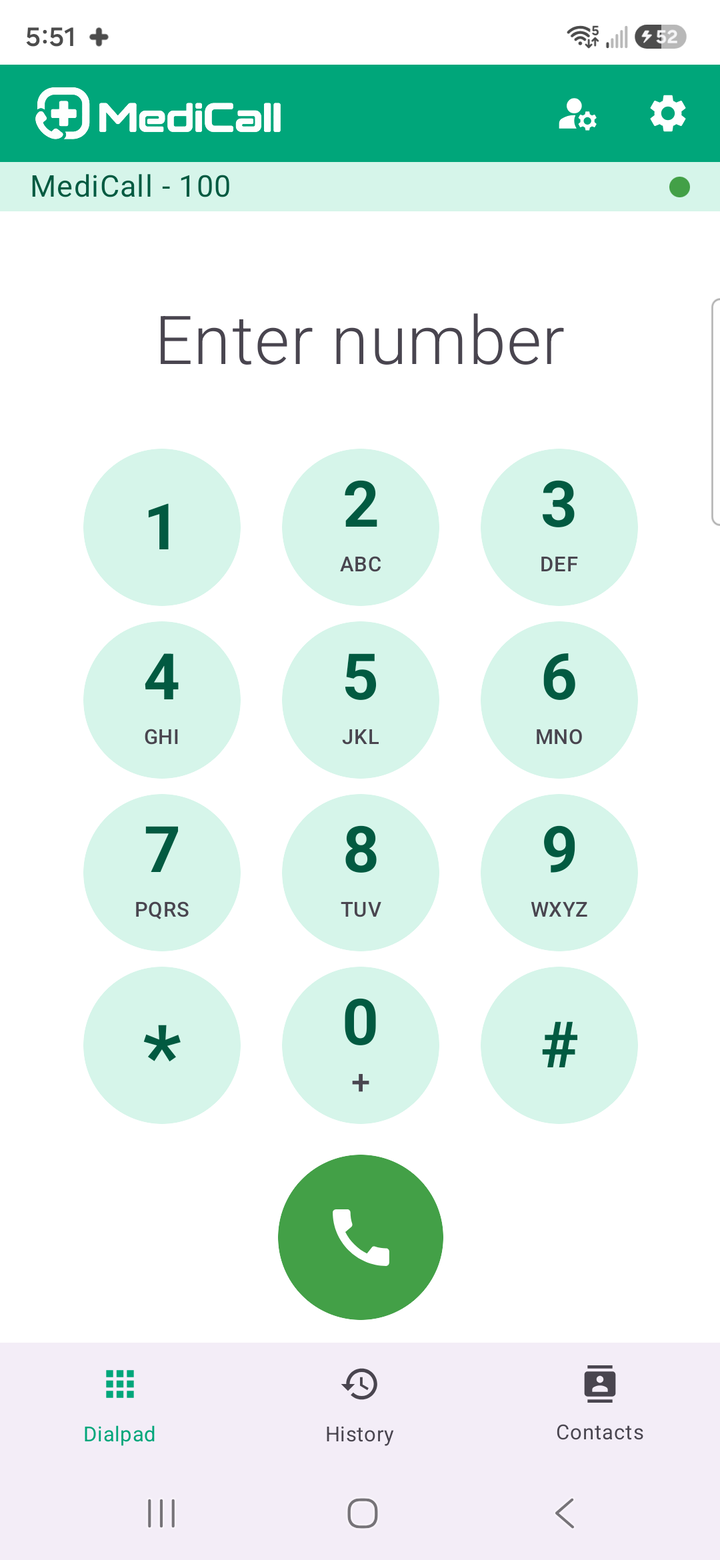
Dial a colleague. Once your line shows as registered, you’re ready.

No phone system yet?
NetLayers hosts clinic phone lines and sets MediCall up with you.

Ready to pick up from anywhere?
MediCall is free for Android, iPhone and Windows. No phone system yet? We’ll set one up with you.
Or reach a person: