

Features
Everything MediCall does, in plain words.

Calling
- Dial from the keypad, your history, or your contacts.
- Your clinic’s caller ID on every outgoing call.
- Incoming calls show full-screen, even over other apps.
- Keypad tones for phone menus.

On the call
-
Hold with music
Callers hear your phone system’s hold music, not silence.
-
Mute
One tap to mute yourself, one tap to come back.
-
Speaker and headsets
Bluetooth and wired headsets switch over on their own.
-
Call waiting and swap
Take a second call and move between the two.
-
Transfer
Announce the caller to a colleague, then hand over.
-
Three-way calls
Bring a third person into the conversation.
Recording and history
- Tap to record any call.
- Set a line to record every call, if you choose.
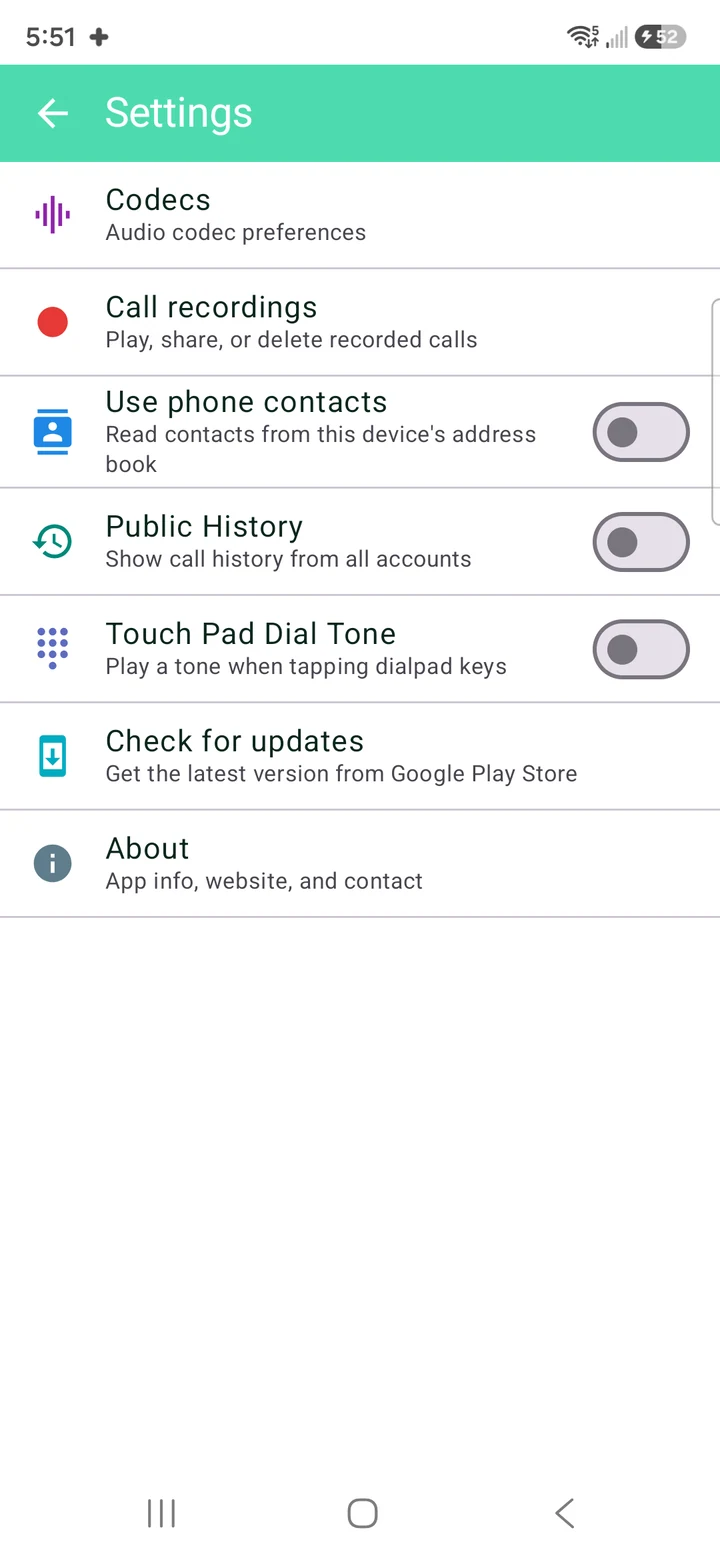
- Play, share, or delete recordings inside the app.
- Call history is kept for each line.
Recording laws differ by province, state, and country. Check your local rules first.
Lines
-
Up to 5 lines
Cover the front desk, the on-call line, and your own.
-
Status at a glance
You always know which lines are live.
-
Signed in automatically
Every saved line reconnects when the app opens.
Also on your desk.
The same clinic line on a Windows PC.
- Hold, transfer and three-way calls
- One-tap record and call history
- Works with your headset

Audio and network
- Opus and G.722 HD codecs
- Wi‑Fi and mobile data
- Echo cancellation for speakerphone and Bluetooth

Ready to pick up from anywhere?
MediCall is free for Android, iPhone and Windows. No phone system yet? We’ll set one up with you.
Or reach a person: